RMXM-002
RMXM-001
Breaktype
Splits a selected text layer into separate layers, one per character, word, or line.
THE BENCH
The split, in your browser.
Break this line. Then animate it.
SPLIT BY
Breaktype v1.0 does this to your After Effects text layers. This is a browser demo of the same logic.
This demo needs JavaScript. With it off you are reading the sample line itself, unsplit, and the controls are not drawn.
WHAT IT ACTUALLY DOES
One layer in, N layers out, and nothing moves.
Breaks a selected text layer into separate layers: one per character, word, or line. Every new layer keeps its exact position, kerning, font, size and colour, so visually nothing changes: you now have N independent, ready-to-animate layers.
The three modes
Characters, words, or lines. Skip-spaces is on by default, so splitting by character does not leave you with empty layers where the spaces were.
What is preserved
Position, kerning, font, size and colour. Point text and paragraph text, 2D and 3D layers, any justification, multi-line.
Undo
One undo reverts the whole break. The original layer is switched off and set shy, not destroyed.
LINER NOTES
One file. Two ways in.
Breaktype is a single script file, not a panel folder. The fast way installs nothing, changes nothing and works the moment you pick the file. The second way puts it in the Window menu for good, and it is the only thing we make that asks you for a password.
Use it now
Three steps, and nothing is installed on the machine.
-
Download and unzip
You get one zip, 7 KB, holding the script, a README and the licence. The script is the tool:
The file inside the zip is named Breaktype dot jsx.
MACOS
Double click the zip. Finder leaves a folder called breaktype-v1.0 beside it, and the three files are inside that.
WINDOWS
Right click the zip and choose Extract All. The three files land in the folder it extracts to.
-
Run it from After Effects
In After Effects, go to File › Scripts › Run Script File, then pick Breaktype.jsx wherever you put it. It opens on the spot.
-
Split a text layer
Select a text layer and split it. That is the whole tool.
Nothing was installed and nothing on the machine changed. Run it this way as often as you like, on any machine, including one you do not have the password to.
Keep it in the Window menu
Four steps, and the third one is a password prompt. After Effects keeps its dockable scripts inside the application itself, which is the trade for having Breaktype in the menu every time you open the app.
-
Download and unzip
The same zip and the same Breaktype.jsx as above.
-
Put the file in the panels folder
Move Breaktype.jsx into the ScriptUI Panels folder. This is where it lives:
MACOS
The folder address on macOS is /Applications/Adobe After Effects 2026/Scripts/ScriptUI Panels/
/Applications/Adobe After Effects 2026/Scripts/ScriptUI Panels/In Finder, press Shift Cmd G, paste, press Return. The folder opens.
This is the folder the script was installed and tested from. On another year of After Effects the journey is the same; only the year in the folder name changes.
WINDOWS
The folder address on Windows is C:\Program Files\Adobe\Adobe After Effects 2026\Support Files\Scripts\ScriptUI Panels\
C:\Program Files\Adobe\Adobe After Effects 2026\Support Files\Scripts\ScriptUI Panels\In File Explorer, paste it into the address bar and press Enter. The folder opens.
This is Adobe's own folder for script panels. Breaktype is plain ExtendScript with nothing platform specific inside it, so it is the same file on both platforms. On another year of After Effects the journey is the same; only the year in the folder name changes.
-
Give it permission, once
macOS asks for your password and Windows asks for administrator permission, because that folder is inside the application rather than inside your account. That is the trade for the menu entry, and it is the only step in anything we make that asks for one.
That folder belongs to the system rather than to you, on both platforms, and it is not writable without permission. That is the whole reason for the prompt. If you would rather not hand it over, the three steps above ask permission from nothing.
-
Restart After Effects
Quit it fully and open it again. Breaktype is then at the bottom of the Window menu. Open it once and dock the panel anywhere; your workspace keeps it there.
One more way
OPTION DRAG
On macOS, hold Option and drag Breaktype.jsx onto the Project panel. After Effects installs it to your own user Scripts folder and never asks for a password.
Limits
ANIMATORS
Text that already carries animators may not split cleanly. Split clean text, then animate the pieces.
TRANSFORMS
Scale and rotation on the source layer are preserved: every piece is mapped through the source transform, so nothing shifts. Works on 3D layers.
RUNS ON
After Effects on macOS and on Windows. It is plain ExtendScript with nothing platform specific inside it, so it is the same file on both. Built on After Effects 26.3.
Support
Something split wrong? Email hello@reemix.media with the font, the justification and a screenshot. It gets fixed in the next version.
THE PRESSING
RMXM-001, first pressing.
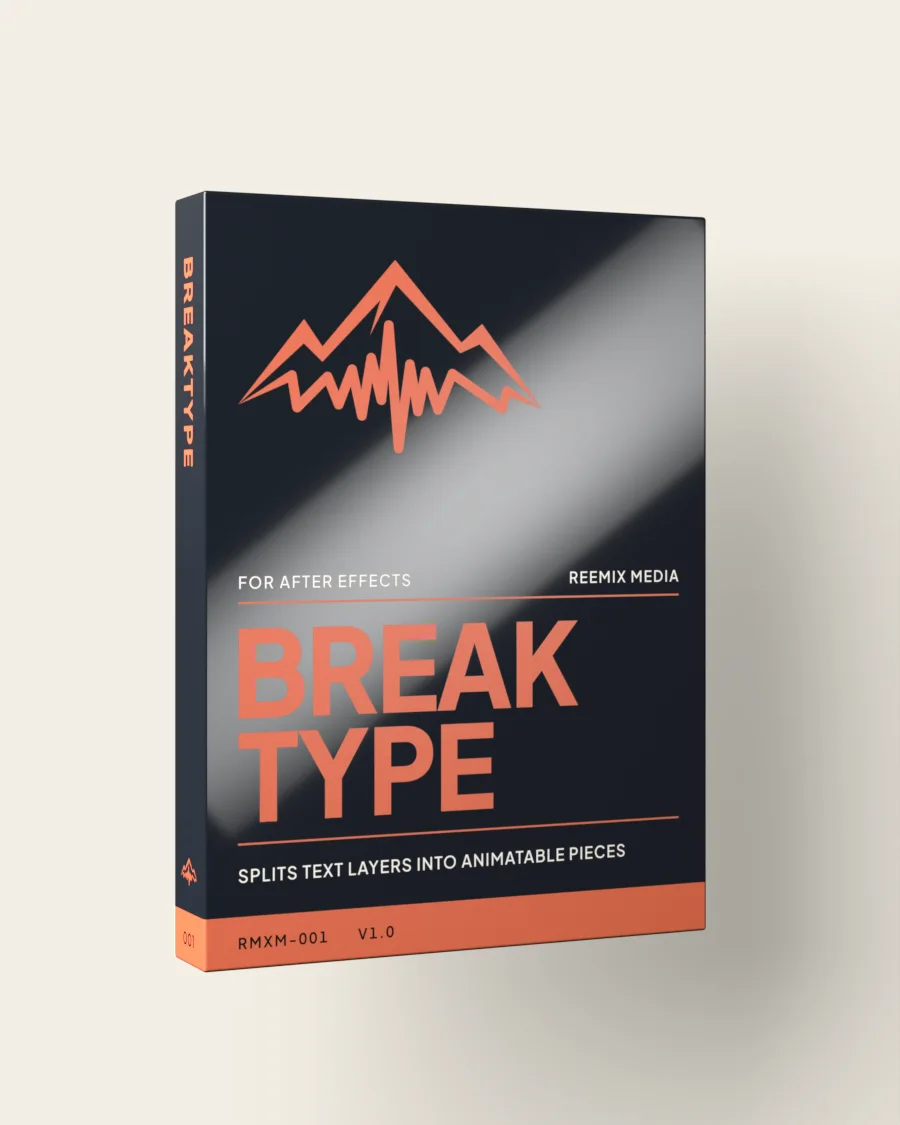
The box is a render, not a product photograph: Breaktype ships as a single .jsx file and there is no physical carton. The object at the top of this page is the same design drawn by the browser out of gradients and live type, which is why it costs zero image bytes and can turn under a cursor.
THE REST OF THE SHELF