RMXM-001
RMXM-002
Speaktype
Transcribes a voice track into designed caption layers, and moves your type onto the markers you set.
THE BENCH
You speak, it types.
Point it at the voice layer in your comp. It transcribes what was said, keeps each word's own start and end, and builds the caption layers from that. The run needs your comp and your audio, which a browser page does not have, so the line below is a specimen of the type it sets rather than a transcript of anything.
Say it once. Keep the timing.
The specimen above is set once, in the page's own type. Speaktype's transcription runs in After Effects, on your machine, against the audio layer you point it at.
WHAT IT ACTUALLY DOES
The words carry their own timing.
Transcribe the voice layer, correct anything it misheard, and build captions that are real text layers with the emphasis already on the right word.
The transcript is the material
Every word arrives with its own start and end. Words it is unsure of are marked, and correcting one edits the text and leaves the timing exactly where it was.
Captions, not subtitles
The build makes After Effects text layers with per word emphasis, so what lands in your comp is designed type you can keep animating, not a burned in caption track.
Type on your markers
Write a line for each cue, put markers where the beats are, and Speaktype moves the type onto them. Preview places the first few so you can check the read; build places all of them.
One press, one undo
A build is a single step. Undo removes everything it made and leaves the transcript sitting in the panel, ready to build again.
It runs on your machine
The speech model downloads once and lives on your own disk. After that the audio never leaves the computer.
The audio it takes
WAV, MP3, FLAC and OGG go straight to the engine on both platforms. Anything else has to be converted first, and Speaktype does that conversion on macOS, where the system provides the converter. On Windows, export the layer as a WAV and transcribe that.
LINER NOTES
One folder, in the dock in a minute.
Speaktype is a panel, not a script: one folder with everything in it. After Effects keeps one folder for panels like this, shared by every Adobe app on the machine. Put it there, restart, and Speaktype docks like it came with the app.
RUNS ON
macOS on Apple Silicon and on Intel, and Windows on 64 bit. The panel is the same folder on all three, and the steps below are the same six. One difference worth knowing before you start: on Windows the audio layer has to be a WAV, MP3, FLAC or OGG, because converting anything else is a job macOS does and Windows does not.
THE SPEECH ENGINE
It is not inside the download. Speaktype fetches the build made for your machine the first time you transcribe, so there is no version to choose here and no wrong one to pick. After that it runs on your own machine, offline.
-
Download and unzip
You get one zip, about 122 KB. Inside it is a single folder, and that folder is the whole panel:
The folder inside the zip is named com dot rmxm dot speaktype.
MACOS
Double click the zip. Finder leaves the folder beside it.
WINDOWS
Right click the zip and choose Extract All. The folder comes out.
Leave that name alone. After Effects finds the panel by it, so a folder called com.rmxm.speaktype copy is a folder After Effects will not read.
-
Open the extensions folder
This is the folder Adobe keeps for panels like this one, inside your own account. It is where the folder is going:
MACOS
The folder address on macOS is tilde slash Library slash Application Support slash Adobe slash CEP slash extensions
~/Library/Application Support/Adobe/CEP/extensions/In Finder, press Shift Cmd G, paste, press Return. The folder opens. If Finder will not go there, one of those folders does not exist yet: go to Adobe instead, make CEP inside it and extensions inside that, spelled exactly like that, CEP in capitals and extensions in lower case.
This is Adobe's own folder for panels, shared by every Adobe app on the machine. It sits inside your Library rather than inside the application, which is why nothing here asks for an administrator.
WINDOWS
The folder address on Windows is percent APPDATA percent backslash Adobe backslash CEP backslash extensions
%APPDATA%\Adobe\CEP\extensions\In File Explorer, paste it into the address bar and press Enter. The folder opens. If Explorer will not go there, one of those folders does not exist yet: go to Adobe instead, make CEP inside it and extensions inside that, spelled exactly like that, CEP in capitals and extensions in lower case.
This is Adobe's own folder for panels, shared by every Adobe app on the machine. It sits inside your AppData rather than inside the application, which is why nothing here asks for an administrator.
-
Drop the folder in
Drag com.rmxm.speaktype into it. Nothing asks for a password, because this folder lives inside your own account rather than inside the application.
-
Restart After Effects
Quit it fully and open it again. After Effects reads that folder once, on launch, so the restart is what makes Speaktype appear. If the menu entry is missing, the app was running when the folder arrived; quit and relaunch once more.
-
Open Speaktype
It is under Window › Extensions › Speaktype, caption choreographer. Open it once and dock the panel anywhere; your workspace keeps it there.
-
The first transcription
The panel opens straight away. The first time you press Transcribe it fetches two things, the speech engine built for your machine and the English model, around 80 MB together, once. Every RMXM tool shares them, so that happens one time on the machine rather than once per tool. It resumes if your connection drops and it is checked against a published checksum when it lands.
After that Speaktype works offline and starts instantly. Nothing is sent anywhere: the transcription runs on your own machine, which is the whole point of it.
The engine arrives through the panel rather than through your browser, and that is deliberate. It is why nothing asks you to approve it and why there is no security dialog to click past on the first run.
Four facts about that folder
NO ADMIN RIGHTS
The extensions folder is inside your own user account, not inside the application. Nothing installs system wide and nothing asks for a password.
SIGNED
The folder is signed, so After Effects loads it without you changing any setting. You will not be asked to run a terminal command or edit a registry key. If a plugin ever asks you for either of those, that is worth a second thought.
WHAT IT NEEDS
After Effects 24.0 or newer, which is the floor the panel's manifest states. 26.3 is the version it was built and tested on. The first transcription needs a connection; every one after it does not.
REMOVING IT
Delete the com.rmxm.speaktype folder and restart. There is nothing else to undo: the panel writes nothing into the application. The engine and model sit apart from it, in an RMXM folder in your own account, because the other tools use them too. Delete that as well if you want the disk back.
Support
Email hello@reemix.media with the comp, the audio layer and the line you expected to land where.
THE PRESSING
RMXM-002, first pressing.
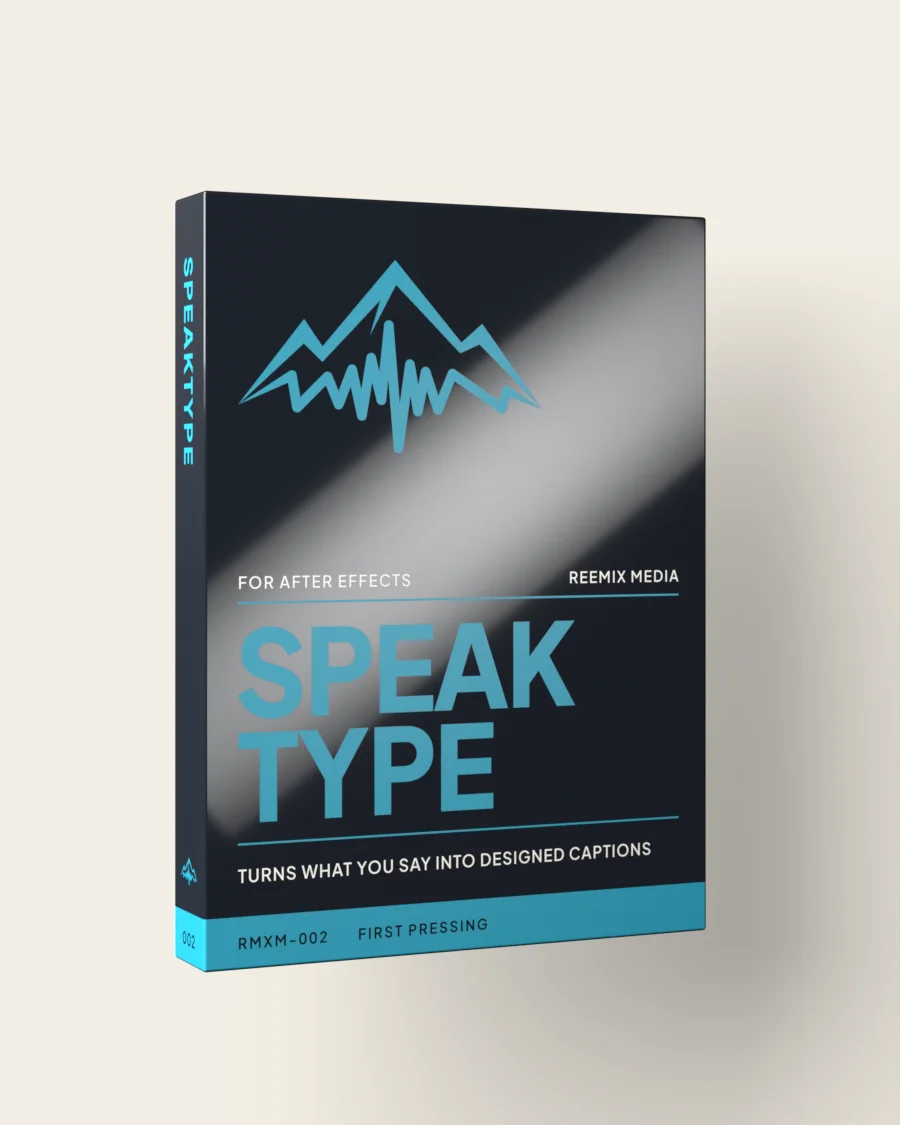
The box is a render, not a product photograph: Speaktype ships as a folder of files and there is no physical carton. The object at the top of this page is the same design drawn by the browser out of gradients and live type, which is why it costs zero image bytes and can turn under a cursor.
THE REST OF THE SHELF